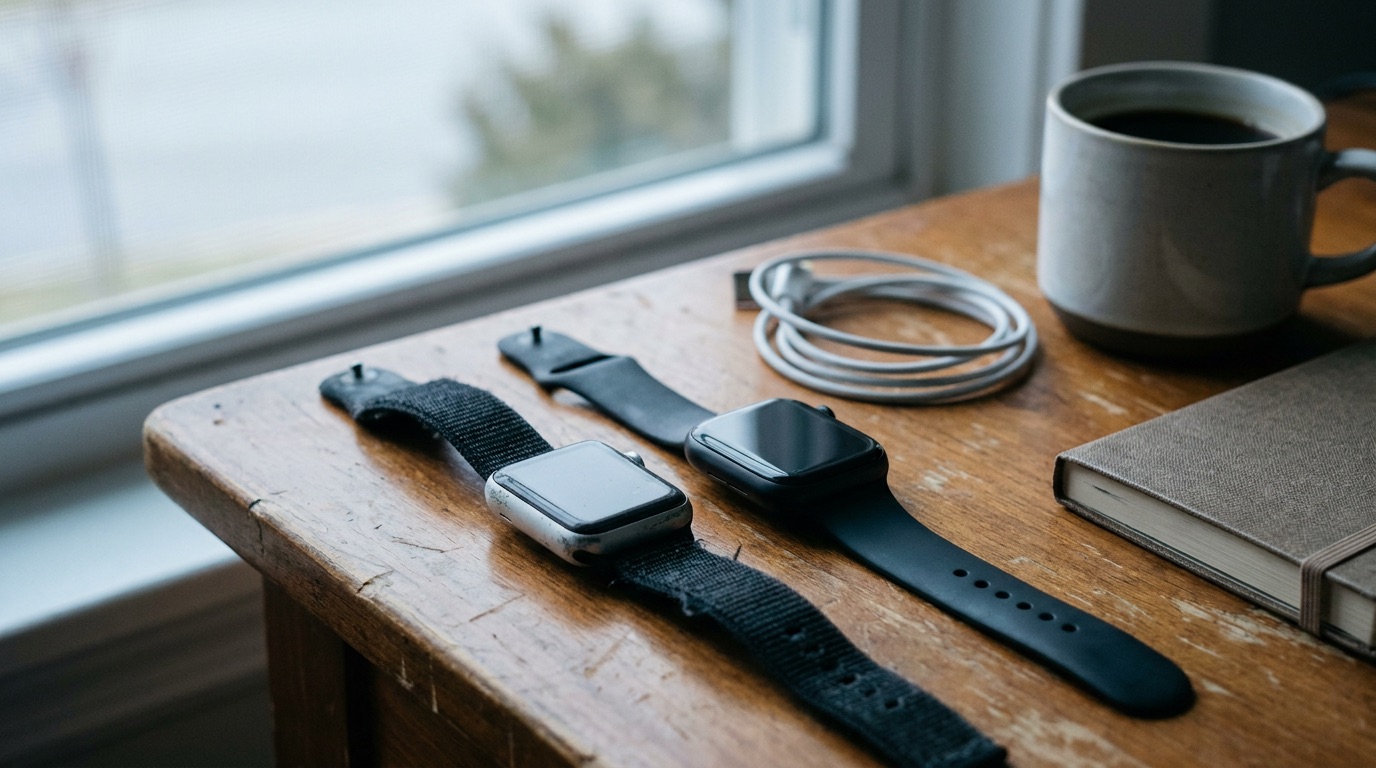
Open the Health app on your iPhone, tap Browse, then Heart, then Heart Rate Variability. The number there is in milliseconds, it is called SDNN, and it comes from short readings your watch takes while you are still. Read it against your own last 30 days, look at night readings and weekly averages, and never compare it with anyone else's number.
That is basically the whole guide. The rest is why, and it matters more than it sounds, because the number you see depends a lot on which watch took it and how.
Where to find your HRV on Apple Watch
In the Health app: Browse → Heart → Heart Rate Variability. At the top you can switch between day, week, month, six months and year. Week and month are the useful ones. The day view is mostly noise.
On the watch itself: if you have a Series 12 or Ultra 4, open the Heart Rate app and turn the Digital Crown to Recovery HRV. That one is new, and I'll come back to it, because it is not the same number as the one in the Health app.
What the number actually is
HRV is the small variation in time between your heartbeats. Your heart does not beat like a metronome. At 60 beats a minute, one gap might be 0.95 seconds and the next 1.05. More variation usually means your body is in rest-and-recover mode. Less means it is busy with something: training, alcohol, stress, a cold on the way.
The confusing part is that there are two common ways to turn those gaps into one number.
- SDNN looks at how spread out all the gaps are during the reading. This is what Apple Watch has always written to Apple Health.
- RMSSD looks at how much each gap differs from the one right before it. This is what WHOOP, Oura and Garmin use, and it mostly reflects the rest-and-recover side of your nervous system (the parasympathetic, or vagal, part). In the big overview of HRV metrics by Shaffer and Ginsberg (2017), RMSSD is described as the main short-term measure of exactly that.
Same heartbeats, two different calculations, two different numbers. Both in milliseconds, which is why people compare them. They shouldn't.
Why your Apple Watch HRV is not your friend's Oura number
Three reasons, and any one of them is enough.
- Different formula. SDNN and RMSSD are not the same thing, so 35 ms on one is not 35 ms on the other.
- Different moment. Older Apple Watches take a short reading every few hours (Engadget's Series 12 review puts it at every two to four hours). A ring that averages your whole night is measuring something much steadier than a spot reading taken whenever your wrist happened to be still.
- Different person. Even with the same device, a 30 can be a great night for one person and a bad one for another.
And the watch is not a lab. When O'Grady and colleagues compared Apple Watch Series 9 and Ultra 2 with a chest strap in 39 adults over two weeks (Sensors, 2024), the watch read HRV 8.3 ms lower on average, with an average error of about 29 %. Resting heart rate, on the other hand, was almost spot on: a difference of 0.08 bpm. Their conclusion was the right one: fine for trends and changes over time, not for absolute values.
So I would trust your Apple Watch HRV to tell you that something moved. I would not trust it to tell you what your "real" HRV is. And I would trust your resting heart rate more than both.
The surprise: Garmin, Oura and WHOOP don't put their HRV in Apple Health
This one catches a lot of people. If you wear a Garmin, an Oura ring or a WHOOP and sync it to Apple Health, you get your sleep, heart rate and workouts there. You don't get their HRV. At the time of writing:
- Oura lists active energy, heart rate, mindful minutes and sleep in its own Apple Health guide. HRV is not on the list.
- WHOOP writes resting heart rate and other metrics, but not HRV. DC Rainmaker noticed this back in 2022, and the reason given was the formula: WHOOP's RMSSD would land in Apple's SDNN field and look like a different number.
- Garmin keeps its overnight HRV Status inside Garmin Connect. It syncs steps, workouts, heart rate and sleep to Apple Health, but not that.
So if you see HRV in the Health app and you wear a Garmin, scroll to the bottom of the HRV page and check where it comes from. It is probably an old Apple Watch, or a bridge app someone installed. And it means every app that reads Apple Health, mine included, gets no HRV from those three devices. That is not a bug in the app. The number simply never arrives.
Why did my HRV change when I got a new Apple Watch?
Mostly because the new watch measures differently, not because you changed.
With the Series 12 and Ultra 4, Apple changed two things:
- Far more readings. HRV is now measured as often as every five minutes while you are still, which Apple says is up to 24 times more often than before. A daily value made of dozens of readings is steadier than one built from a handful. I would also expect the level to shift a bit, simply because the watch now catches moments the old one never sampled.
- A second number. Recovery HRV sits next to the old one. Apple's support page doesn't name the formula, but Engadget's review says it is RMSSD, and iOS 27 added an RMSSD type to HealthKit next to the old SDNN one. It was the only new measurement type in that release, which tells you something.
So if your HRV jumped 15 ms the week you upgraded, maybe nothing happened to you at all.
What I would do, whether you upgraded your Apple Watch or switched from a ring or a band:
- Write down the date you switched. Everything before it is a different measurement.
- Don't compare Recovery HRV with your old HRV numbers. Treat it as a new metric with its own normal.
- Give it two to four weeks before you trust a new baseline. Any 30-day average will be half old watch, half new watch for the first month.
I wrote more about this kind of switch, from the score side, in why a 4 on Apple Watch is not a 40 on WHOOP.
How I read HRV, four rules
1. Night, not day. A daytime reading depends on what you were just doing. Sitting in a meeting, walking up stairs, finishing a coffee. Night readings are the ones you can compare from one day to the next.
2. A week beats a morning. HRV is noisy. When Plews and colleagues followed elite endurance athletes (Sports Medicine, 2013), single-day values were too jumpy to guide anything, and the 7-day rolling average was what actually tracked how they adapted to training. In the Health app, the week view does most of this for you.
3. You against your own 30 days. One morning below your normal: ignore it. Three in a row: something is going on. Two weeks or more: something structural, like sleep, workload, alcohol or an illness you haven't shaken. I went through the usual causes, and what to do about each, in why is my HRV going down.
4. Read it together with resting heart rate. HRV down and resting heart rate up on the same morning, with no hard workout or drinks to explain it, is the signal I take seriously. Either one alone, much less.
What I would stop doing
Stop comparing yourself to age charts. The ranges are so wide that they tell you almost nothing, and they are usually RMSSD charts anyway, so they don't even match the number your watch shows.
Stop trying to raise your HRV. It is a thermometer, not a goal. Fix sleep, drink less, train sensibly, and it follows.
And if you just got a Series 12: more readings is great for anything that calculates a score. It is not great for you if you check every one of them.
Where Woah fits
This is the part of HRV that decided how I built Woah.
Woah reads the SDNN series in Apple Health, because it is the one every Apple Watch writes and the one with years of history behind it. It takes a reading from inside last night's sleep, not one from the afternoon, and compares it with your own last 30 days. A falling 3-day trend lowers how high the score can go. HRV is about a third of the recovery score. Sleep is about half.
And for the Garmin, Oura and WHOOP case above, where no HRV ever reaches Apple Health: Woah still works. The score is built from your sleep, resting heart rate and breathing rate instead, and you can rate your stress from 1 to 5 in the evening so the next morning's score has something in HRV's place. I would rather say that out loud than pretend the HRV is there.
If you have a Series 12 or Ultra 4, Apple's own Readiness score uses all of this too, and I'd try it. Woah's score and every chart behind it are free. What you pay for is the written part and the coach. The FAQ explains exactly how the score is built.
Questions people ask
Is Apple Watch HRV SDNN or RMSSD?
The HRV in the Health app is SDNN, and it always has been. Series 12 and Ultra 4 also show Recovery HRV in the Heart Rate app, which reviewers report is RMSSD, and iOS 27 added an RMSSD type to HealthKit. Keep the two apart: they are different calculations with different normal values.
Why is my Apple Watch HRV lower than my Oura or WHOOP?
Different formula, different timing. Apple Watch reports SDNN from short spot readings, Oura and WHOOP report RMSSD averaged over the night. In one study Apple Watch also read about 8 ms lower than a chest strap on average. Compare each device only with itself.
Why did my HRV change when I upgraded my Apple Watch?
Usually because the measurement changed, not you. Series 12 and Ultra 4 measure HRV up to 24 times more often and add a separate Recovery HRV. Note the date you switched, don't compare old and new numbers, and give a new baseline two to four weeks.
Do Garmin, Oura and WHOOP write HRV to Apple Health?
Not as of October 2026. All three sync sleep and heart rate to Apple Health but keep their HRV in their own apps, so any app reading Apple Health gets no HRV from them. If you see HRV in Health while wearing one, check the data source.
What is a good HRV on Apple Watch?
The one that is normal for you. Healthy people range widely, and most published charts use RMSSD, not the SDNN your watch shows. Your own 30-day average, read from night readings, is the only reference worth using.

Petter Höglander builds Woah. Before that he spent years building sleep and fitness apps for some of the biggest apps in the App Store. He wrote the recovery and sleep models Woah runs on, which is why he has opinions about everyone else's.
Sources
- Apple. Monitor your heart rate with Apple Watch. Apple Support, read 2026-10-10. support.apple.com
- Apple. Introducing Apple Watch Series 12 with the all-new Health Sensing System. Apple Newsroom, September 2026. apple.com
- Engadget. Apple Watch Series 12 review: Catching up and catching heat. 2026. engadget.com
- Apple Developer. heartRateVariabilityRMSSD (HealthKit). developer.apple.com
- Shaffer F, Ginsberg JP. An overview of heart rate variability metrics and norms. Frontiers in Public Health. 2017;5:258. frontiersin.org
- O'Grady B, et al. The validity of Apple Watch Series 9 and Ultra 2 for serial measurements of heart rate variability and resting heart rate. Sensors. 2024. pmc.ncbi.nlm.nih.gov
- Plews DJ, Laursen PB, Stanley J, Kilding AE, Buchheit M. Training adaptation and heart rate variability in elite endurance athletes. Sports Medicine. 2013;43(9):773-781. pubmed.ncbi.nlm.nih.gov
- Oura. Connect Oura and Apple Health. The Pulse blog, read 2026-10-10. ouraring.com
- DC Rainmaker. WHOOP exporting to Apple Health: here's how it actually works. April 2022. dcrainmaker.com
- Constant. Does Garmin write HRV to Apple Health? Updated 22 July 2026. trainconstant.com